
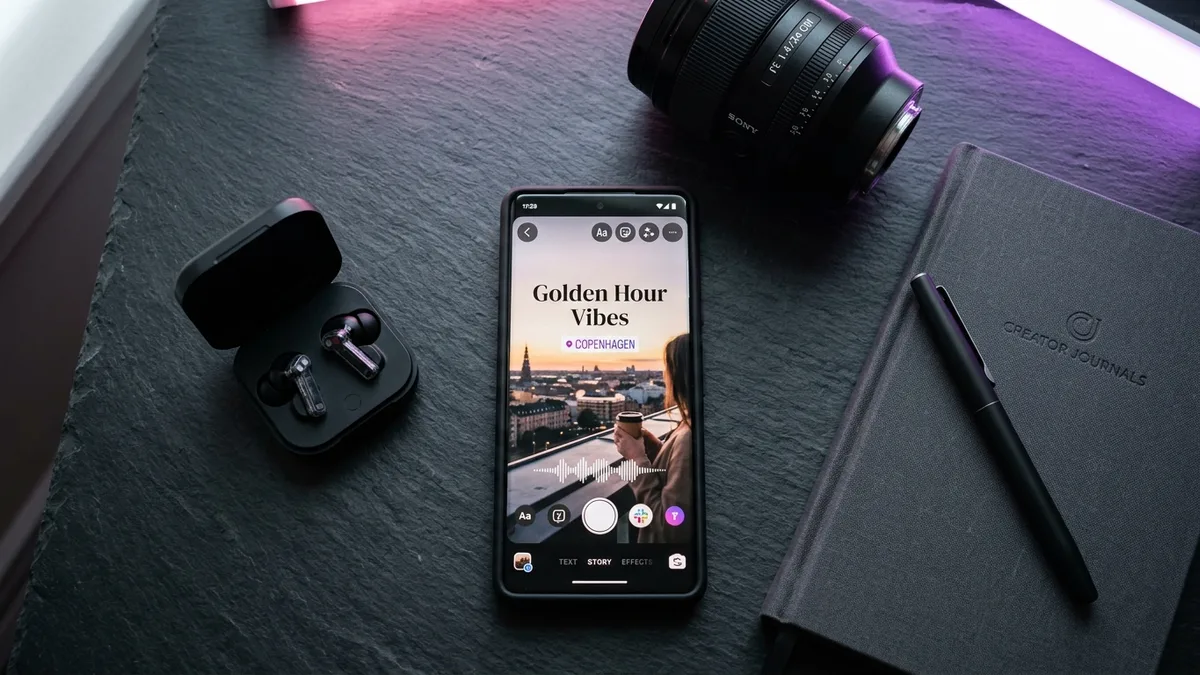
Why Story Aesthetics Drive Explosive Reach in 2026
Instagram Stories have evolved from ephemeral casual snapshots into a creator's most intimate, high-converting visual editorial channel.
With over 500 million daily active Story viewers, the bar for visual sophistication has risen dramatically. Clunky, oversized animated album artwork stickers and neon emoji clutter no longer resonate with modern audiences who gravitate toward clean, cinematic micro-content. Over 40,500 creators search monthly for how to hide music sticker on instagram story to keep their visual compositions uninterrupted and distraction-free.
Similarly, queries like instagram story black screen (27,100 searches/mo) and how to post black screen on instagram story (18,100 searches/mo) illustrate an overwhelming trend toward minimalist, moody audio vignettes where music, poetry, and typography take center stage.
Whether you are crafting high-fashion OOTD recaps, showcasing cultural festive details like intricate henna art, or curating personal moodboards, these 10 actionable hacks will streamline your workflow. For matching profile aesthetics, browse our [aesthetic profile pictures for Instagram](/dp/aesthetic-dp-for-instagram) and our typography curation on [aesthetic story fonts & symbols](/blog/best-aesthetic-fonts-symbols-instagram).
Clean, moody aesthetic Stories generate significantly higher direct message (DM) replies than chaotic stickers. Meta's 2026 ranking algorithm weights private DM conversations as a premier indicator of authentic relationship depth.
- Uncluttered visual framing increases average Story completion rates by up to 34%.
- Minimalist color palettes and hidden UI stickers create an immersive editorial magazine feel.
- Audio retention peaks when visual distractions are eliminated, letting viewers focus on lyrics.
How to Hide the Music Sticker on Instagram Story (3 Tested Methods)
You want the soundtrack, but you don't want the clunky white sticker ruining your photo. Here are 3 foolproof methods verified on iOS and Android.
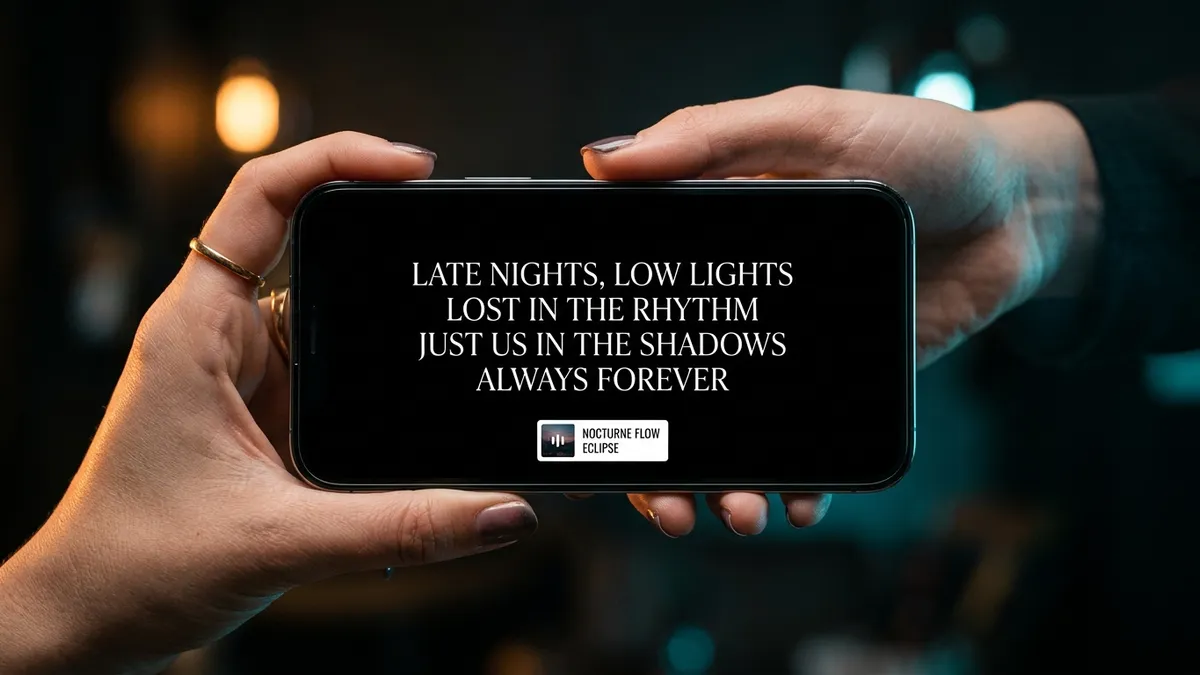
Instagram requires adding a music sticker to attach licensed audio directly from its native catalog. However, the default sticker displays a prominent album thumbnail, moving lyrics, or track title box. If you want pristine visuals without third-party editing tools, use one of these three native techniques:
When flicking the music sticker off-screen, always flick towards the top corners or the upper-left edge. If you flick downward toward the bottom center, Instagram will register the movement as 'Delete' and trash your audio track.
- Method 1 (The Edge-Flick Trick): Add your song via the Music sticker. Select the smallest text or square album view. Pinch the sticker with two fingers to shrink it to microscopic size, then quickly drag and flick it off the side or top edge of your screen until it disappears. The audio continues playing smoothly.
- Method 2 (The Sticker/Layer Sandwich): If the flick snaps back on your Android device, simply shrink the music sticker slightly and place it in the center. Then tap the sticker tray, choose the photo sticker icon, and place an image, GIF, or overlay directly on top of the music widget to conceal it completely.
- Method 3 (The Color Picker Camouflage): Tap the music sticker until it toggles to the pure text mode. Open the draw brush tool, use the eyedropper to select the exact background color where the text sits, and change the font color to match the background perfectly, making it invisible.
How to Post a Black Screen on Instagram Story (Lyrics & Audio)
The black screen story aesthetic is the ultimate format for late-night audio vibes, poetic musings, and melancholic song lyrics.
Posting an intentional black screen creates dramatic contrast in an otherwise bright, saturated feed. It forces followers to pause, listen to the soundtrack, and read your short-form text.
Here is the fastest native method to create a pure black background in seconds without taking a photo of a dark room with your camera:
- Step 1: Open Instagram Stories camera and take any random photo (or select any picture from your gallery).
- Step 2: Tap the three dots (•••) in the top-right corner and select 'Draw'.
- Step 3: Select the solid pen brush (the leftmost icon) and tap the black color circle at the bottom.
- Step 4: Press and hold your finger anywhere on the screen for 2 full seconds. The entire screen will flood with a solid, matte black canvas.
- Step 5 (Translucent Variation): If you select the highlighter brush (the second pen) and long-press, it creates an elegant 70% black frosted overlay, allowing the background photo to subtly peek through.
- Step 6: Add your song, hide the sticker off-screen, and type delicate white aesthetic lyrics in modern Serif or Classic font.
Viral ChatGPT Photo Editing Prompts for Trending Instagram Stories
Leverage generative AI to craft breathtaking, film-textured visual backdrops that stop thumbs instantly.
The hashtag #chatgptprompts has generated billions of impressions on social media. Creators are searching for chatgpt photo editing prompts trending instagram (22,200 monthly volume) to craft cinematic backgrounds, surreal dreamy landscapes, and retro analog portraits for their Stories.
Rather than using generic stock photos, copy and paste these tested prompts into ChatGPT (with DALL-E) or Midjourney to generate viral, editorial-grade backdrops for your daily Stories:
Showcasing Festive Aesthetics & Stylish Back Hand Mehndi Designs
Celebrate ethnic elegance and festive celebrations with high-engagement vertical Story compositions.
Across weddings, Eid, Karwa Chauth, and Diwali, traditional fashion aesthetics drive monumental engagement. Searching for instagram stylish back hand mehndi designs (over 110,000 monthly queries) reveals how creators turn intricate henna patterns into viral lifestyle content.
To make your ethnic Stories stand out against generic photo dumps, pair your hand aesthetics with intentional framing techniques:
- Macro Focus & Natural Side Light: Position your hand near a morning window. Avoid direct overhead flashes, which blow out the intricate organic shading of dark brown henna stains.
- Accessory Synergy: Pair henna details with vintage oxidized silver jewelry, delicate glass bangles, or embroidered silk sleeves for depth and tactile contrast.
- Curated Audio Pairings: Match traditional visuals with acoustic Sufi melodies, classical sitar lo-fi, or soulful regional tracks. Use our [traditional ethnic captions for Instagram](/captions/instagram-captions-for-girls-traditional) for cultural flair.
- Story Highlight Cover Conversion: Save your best ethnic festive stories into a dedicated 'Mehndi' or 'Ethnic OOTD' highlight with a custom minimalist icon to keep evergreen profile visits.
Anonymous Story Viewers: Safety Risks & Native Privacy Alternatives
Curious about viewing an Instagram Story without your username appearing on the viewer list? Here is what actually works.
The search query instagram story viewer anonymous generates over 40,500 monthly searches. Users frequently wonder if third-party websites offering anonymous viewer services are safe or if native workarounds exist.
Before entering your account credentials or visiting shady online tools, understand the technical architecture and privacy realities of Instagram's backend API:
Never enter your Instagram password into any third-party app promising 'anonymous Story spy' or 'who stalked your profile' features. These apps use session cookie theft to hijack profiles and trigger permanent Meta security lockdowns.
- The Danger of Third-Party Viewer Tools: Websites claiming to show private Instagram stories or track secret views are notoriously high-risk. They often harvest login credentials, inject malware, or violate Meta's terms of service, leading to immediate account bans.
- Public vs. Private Profiles: Public accounts can be viewed without logging in via external web scrapers, but private accounts require mutual follower consent — no online tool can legally bypass this encryption.
- The Half-Swipe Preview Trick: While watching the preceding Story in your feed, press and hold your thumb and gently swipe halfway to peek at the target Story without fully triggering the 'view' timestamp. (Note: This preview technique works only for static photos, not video Reels).
- Airplane Mode Reality Check: The old trick of pre-loading Stories, turning on Airplane Mode, viewing, and clearing app cache is inconsistent in 2026. Instagram's modern client logs offline cache reads and synchronizes your view timestamp the instant connectivity is restored.